Smart Quotes & Business Management
Easily, Fast & Professionally

An advanced global SaaS platform tailored for modern businesses (featuring automatic quote totals, customer e-signatures, and streamlined client management).

10 free quotes or 7 days, whichever comes first

VISTARO+1 503 555 0148office@vistaro.example4 Industry Way, Portland
Quote numberQ-1048
Date10/04/2026
Valid through10/31/2026
Quotation · Office aluminum works

Fabrication and installation of windows, a glass partition and an aluminum door

ToNorthline Workspaces Ltd.18 Harbor Way, Portland
AttnNora LaneLogistics Manager
Item & descriptionQty.Unit priceAmount
Steel-look aluminum window
Glass & aluminum partition
Installation & final alignment
Subtotal
Discount (10%)
Total
NotesPrice includes delivery and installation in Portland. Profile finish and glazing will be approved before fabrication.
Terms50% at start, balance on handover. Estimated lead time: 21 business days.
Quote approvalThe customer’s signature confirms the quotation terms
Signature
VISTAROQ-1048 · 1 / 1
New · Subscription add-on

SMART PACK

The TEKANGO smart assistant: it talks, it listens, it knows your business and helps you write quotes.

  • A smart chat that knows your business

    Ask about your quotes, clients, catalog and tasks, and get answers from your real data.

  • Voice chat

    Ask out loud and hear the answer, on site or when your hands are busy.

  • AI smart quote

    Describe the job, or dictate it, and the AI drafts the quote lines. You review and approve.

  • Files attached to the quote

    Drawings, photos and documents attached to the quote your client receives.

  • Customer Twin

    See your quote through your client’s eyes: three kinds of clients review it, so you can strengthen it before you send it.

$5per month, added to your planor $51 a year with a yearly plan
  • Add it only if you want it
  • Remove it any time - it ends with the paid period
  • Paid together with your plan
  • A smart chat that reads the user's own data (quotes, clients, catalog, tasks)
  • Voice chat (a spoken question and a read-aloud answer)
  • An AI smart quote, including voice dictation
  • Files and images attached to a quote
See plans and pricing

The add-on will be available to buy when the plans open.

One family, three presentation levels

A document that fits the way your business works

Three quote styles, available to every account: Classic - a clean business document with the commercial facts and a clear item-and-price table; Modern - with product images; Visual - with a lead project image. Choose a style in your business settings or on each quote.

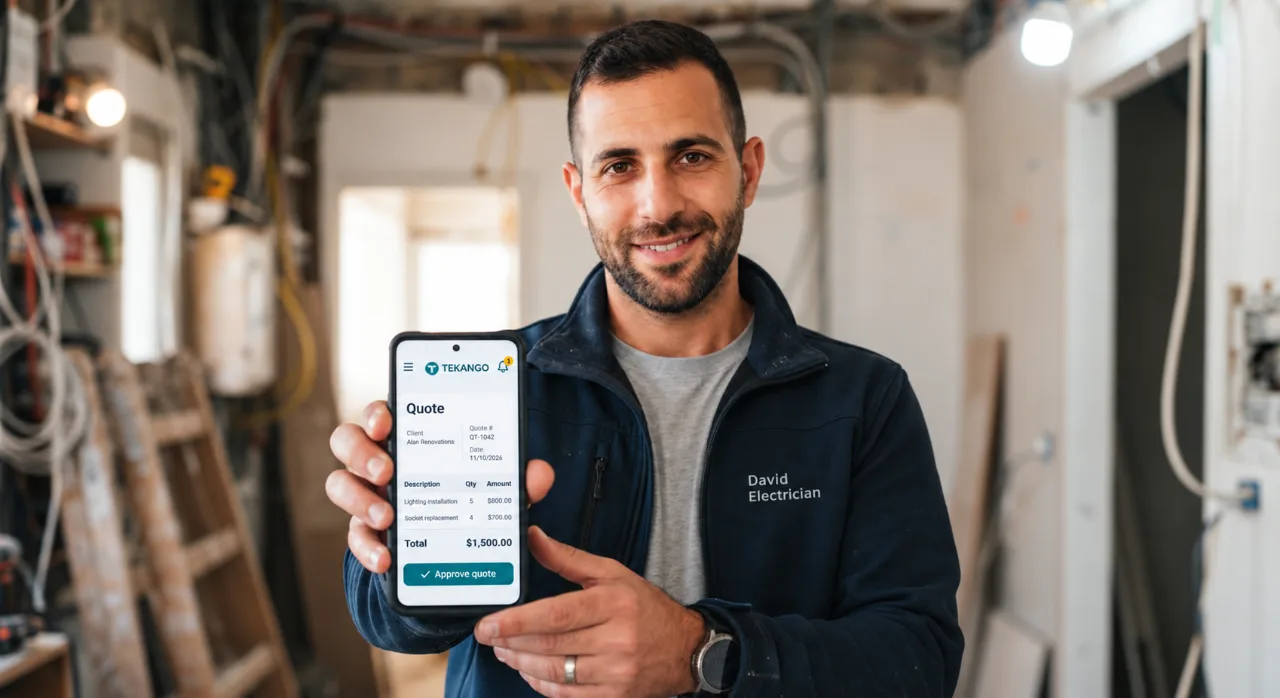
An electrician holding a phone with a TEKANGO quote

Classic

Available to every account

A clean, direct business document that gives the business identity, quote details and final amount a clear hierarchy.

  • For businesses that prefer a formal, restrained document
  • A legible item table with all four fields
  • An approval section that is easy to scan

In every style the item table keeps its four fields: Description, Qty, Unit Price and Total. On phones, when amounts are long, the description moves to its own full row and the three numeric values appear under their own headers. The detail level (compact or expanded) is chosen separately from the style.

VISTARO+1 503 555 0148office@vistaro.example4 Industry Way, Portland
Quote numberQ-1048
Date10/04/2026
Valid through10/31/2026
Quotation · Office aluminum works

Fabrication and installation of windows, a glass partition and an aluminum door

ToNorthline Workspaces Ltd.18 Harbor Way, Portland
AttnNora LaneLogistics Manager
Item & descriptionQty.Unit priceAmount
Steel-look aluminum window
Glass & aluminum partition
Installation & final alignment
Subtotal
Discount (10%)
Total
NotesPrice includes delivery and installation in Portland. Profile finish and glazing will be approved before fabrication.
Terms50% at start, balance on handover. Estimated lead time: 21 business days.
Quote approvalThe customer’s signature confirms the quotation terms
Signature
VISTAROQ-1048 · 1 / 1

How It Works

From a blank page to a signed quote in three clear steps.

  1. Create

    Build a guided quote - a simple item, calculated by measurements, or picked from your catalog. Totals update as you type.

  2. Send

    Share a personal link so the client can view the polished quote on any device - no printing, no heavy attachments.

  3. Approve & Sign

    The client approves and signs digitally right from their phone - and the status updates in your account.

Quotes Made Simple

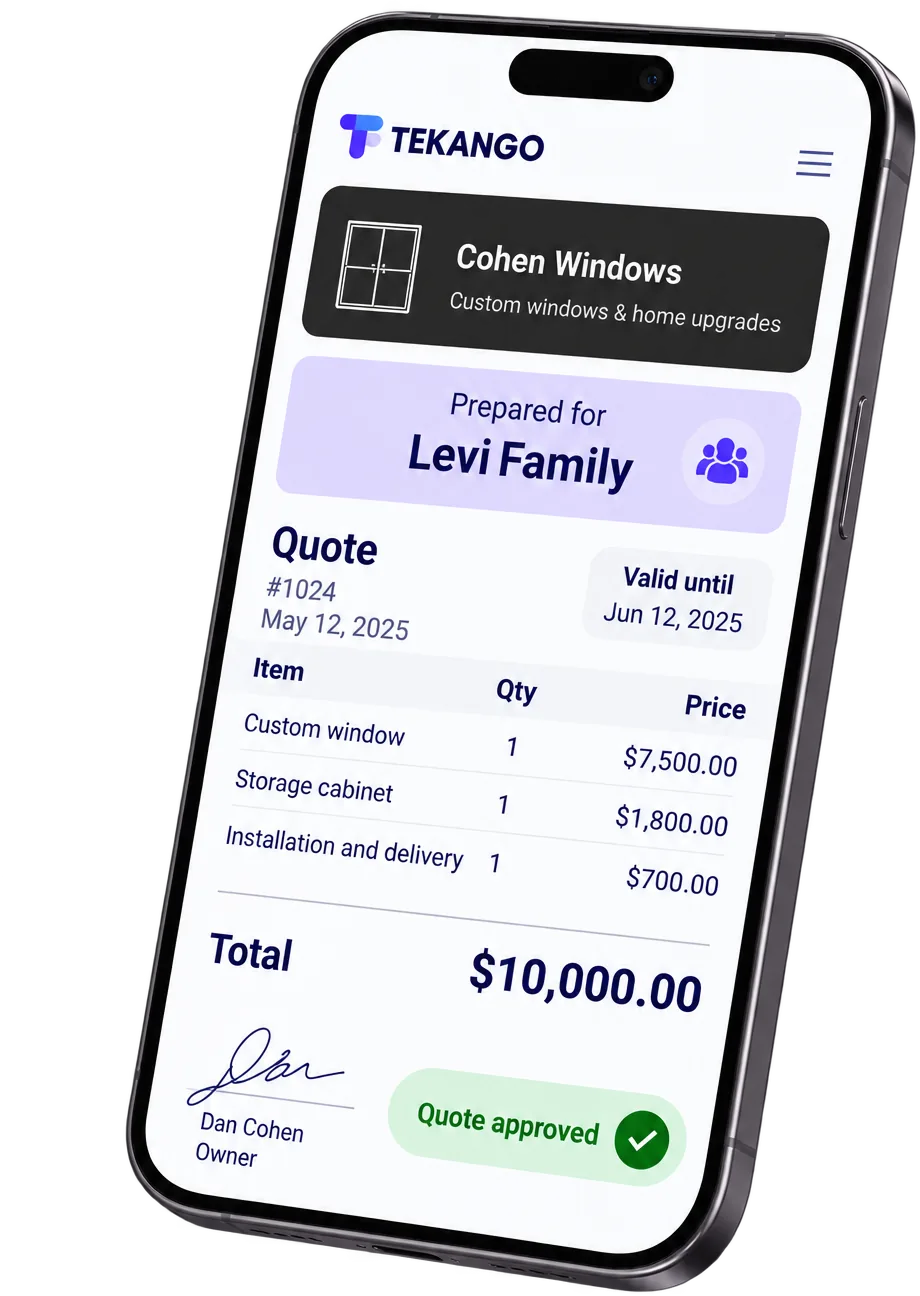
Create professional, beautiful price quotes including automatic totals, discounts, and items from your catalog.

Digital Signatures & Approvals

Send a direct link to your client to review, print or save as PDF, digitally sign, and approve orders from any smartphone or computer.

Income & Expense Tracking

Track business profits, manage operating expenses, and see an up-to-date financial overview of your business.

Professional Quotes with Measurements & Specs

Build a quote from real measurements (area or length), with multiple measurement rows per item and automatic quantity calculation - suited for glass and aluminum work, flooring, electrical, plumbing, and other trades. Fewer manual calculations and errors, more accurate quotes, and time saved on repeat quoting.

AI Assistant Inside Your Workflow

The TEKANGO AI assistant is available inside your signed-in workflows - while you create or edit a quote, work with clients, and manage settings. Ask about the step you are on or get guided help.

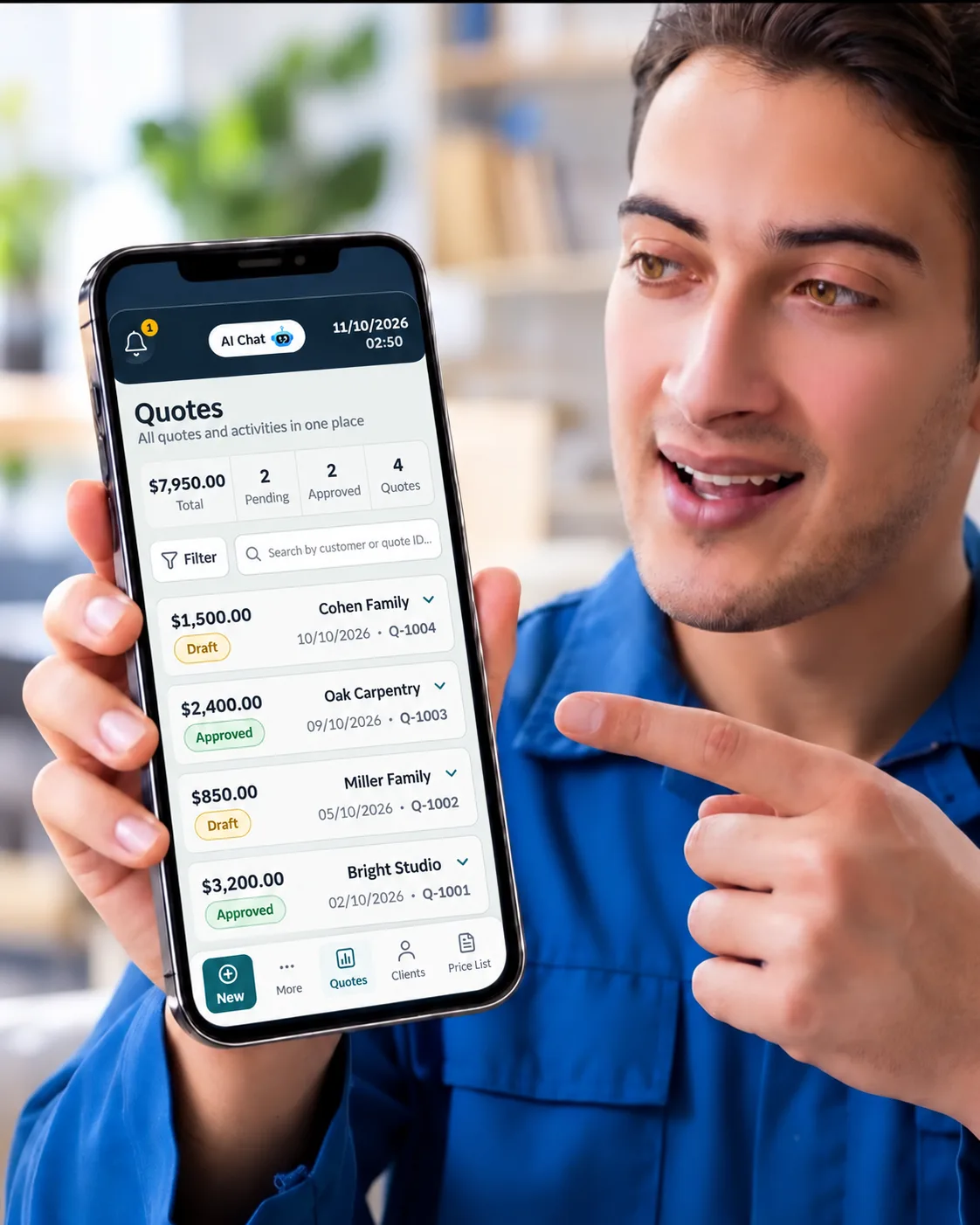
A tradesperson pointing at the TEKANGO quotes list on a phone

Plans & Pricing

10 free quotes or 7 days, whichever ends first, then one package with every available capability, billed monthly or annually.

The paid package cannot be purchased yet, and the prices are shown for information only.

The paid package cannot be purchased yet, and there is no online payment. You can already open an account.

Prices are in US dollars. Charged in USD.

Free

Free for 10 quotes or 7 days, whichever comes first.

$0.00

  • 10 quotes in total
  • Or 7 days from sign-up, whichever comes first
  • SMART PACK included during the 7 days
  • Counts once first stored with a client and an item; a new version or another client counts again
  • An empty draft and previews never count
  • Sent quotes stay available

All-inclusive

One package with every available capability, billed monthly or annually.

Billing period

$18.00USD / month

Includes: a smart chat that knows your data, voice chat, an AI smart quote with voice dictation, and files attached to quotes.

  • After the 10 free quotes
  • Monthly or annual billing, your choice
  • The monthly plan renews every month
  • The annual plan renews every year

Not available for purchase yet

Frequently Asked Questions

Everything you need to know about the platform.

How do the three styles differ?
All three styles are available to every account: Classic - a clean business document with a complete, clear item-and-price table; Modern - with product images; Visual - with a lead project image. Set a default style in your business settings and change it on any quote.
Does previewing another style change my plan?
No. Viewing the examples on this page does not change your plan or your quotes.
What happens to a shared quote after a plan change?
A shared or signed quotation stays as the customer received it, including its presentation.
Do the displayed prices include taxes?
Plan prices are listed in US dollars and are charged in USD; a price shown in pounds or euros is only an estimate. The package cannot be purchased yet; if any tax applies when it launches, it will be shown clearly before you pay anything.
How do the 10 free quotes work?
The new free plan includes 10 quotes in total, or 7 days from sign-up, whichever comes first. SMART PACK is included during those 7 days.
  • A quote counts the first time it is saved with a customer and at least one item. Editing and saving it again does not count again.
  • Sending or producing the same version again for the same customer does not count, on any channel: sending it, a view link, a PDF or a print.
  • Changing the customer, the recipient name or the quote content and producing it again counts as another quote.
  • An empty draft and previews never count.
  • Deleting a quote does not give it back, and quotes already sent to customers stay available.
For accounts opened before the free plan was activated, the 7 days count from the activation day.
Is the platform optimized for mobile and desktop?
Yes, TEKANGO is built as a fully responsive modern SaaS platform, allowing you to generate quotes and manage your business from any computer, tablet, or smartphone.
Is my business data secure on the cloud?
Your data is stored on cloud infrastructure built on Supabase/PostgreSQL, which includes encryption in transit (TLS) and at rest as part of the standard cloud infrastructure. Access to your data is restricted to your own account.
How do I cancel a subscription?
Paid subscriptions cannot be purchased yet. Once they can, you can ask to cancel a subscription at any time by email to info@tekango.com or from the plans window in the app. Our team handles the request and confirms it by email - it is not an automatic cancellation. Cancelling a subscription does not delete your account. The cancellation and refund terms are in our Terms of Service.
Can I export my financial reports and quotes?
Yes, you can easily export all your business quotes and expense reports into CSV format compatible with Excel and accounting software.
How do I sign up?
Choose "Get started", enter your email and a password, and accept the Terms of Use and the Privacy Policy. Then open the link we email you, and your account is ready. Before your first quote, add your business phone in Business Settings.
How do I send a quote to my customer?
Send it by email or WhatsApp, or copy a message with the quote link and paste it anywhere. Your customer opens the link on any device. You can also download the quote as a PDF.
Can my customer sign the quote on a phone?
Yes. Your customer opens the link, approves the quote and signs it digitally, and the quote status updates in your account. A signed quote is locked for editing; you can duplicate it to create a new quote.
Can I keep a fixed price list of products and services?
Yes. Add items with their prices to your catalog, and pick them when you build a quote.
Can I start a new quote from an existing one?
Yes. Save a quote as a template, without the customer details, and start your next quote from that saved template.
How do I contact you?
Email info@tekango.com, or use the chat in the corner of the screen. There is no phone support at the moment.


Free Business Tools

Free business tools: currency, unit, metals & crypto calculators - available to everyone, no signup required, as a free companion to TEKANGO.

Explore the Free Business Tools

Ready to create your first quote?

A professional quote, one clear step at a time.

10 free quotes